LUFF Flow
One order. Every handoff in view.
Working demo · iOS beta
Fulfillment, in flow.Pick. Resolve. Dispatch.
Web + native iPhone · synthetic demo
Desktop to warehouse floor
The same order.
A view for each role.
Review the queue at your desk. Carry the work on iPhone. These are actual demo screens, using fictional orders.
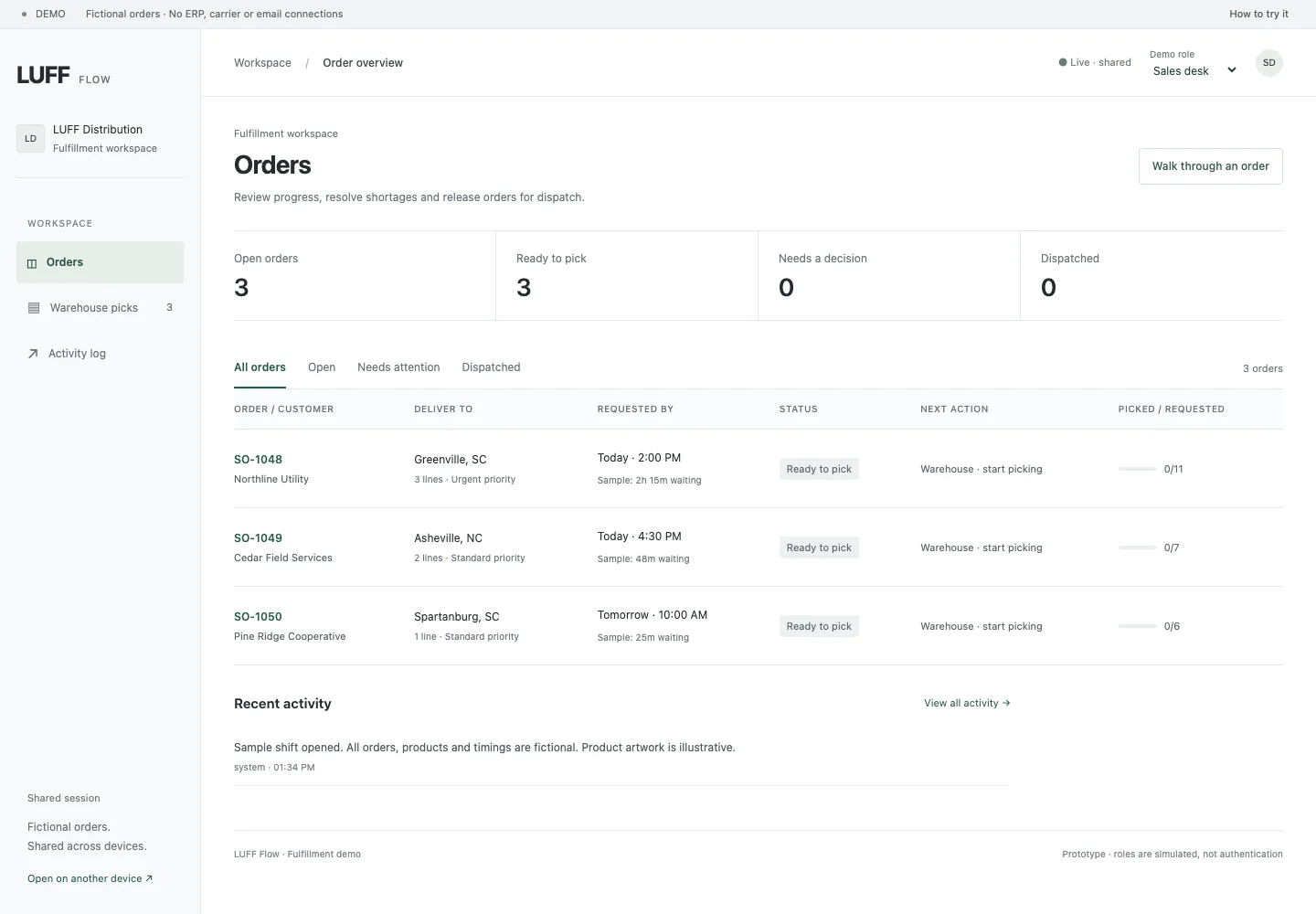
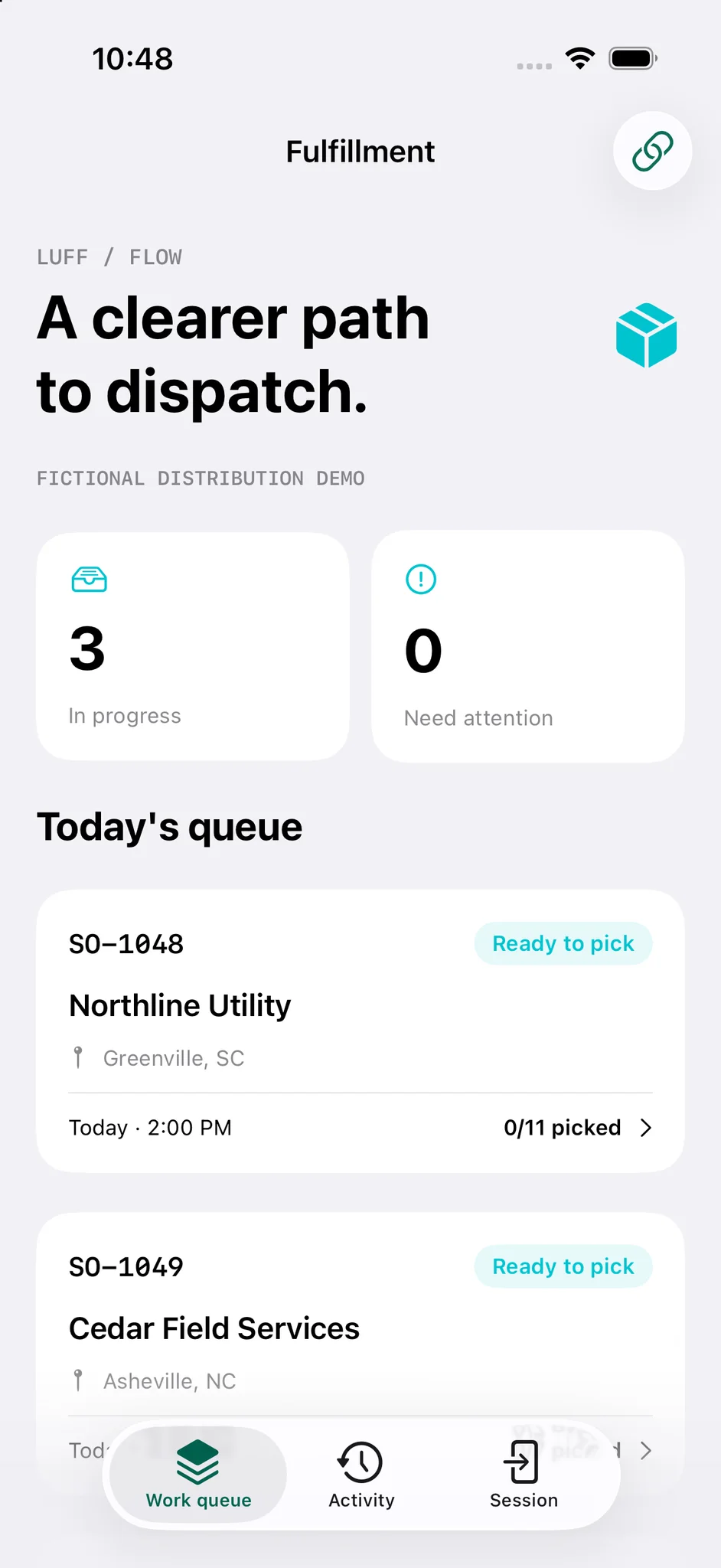
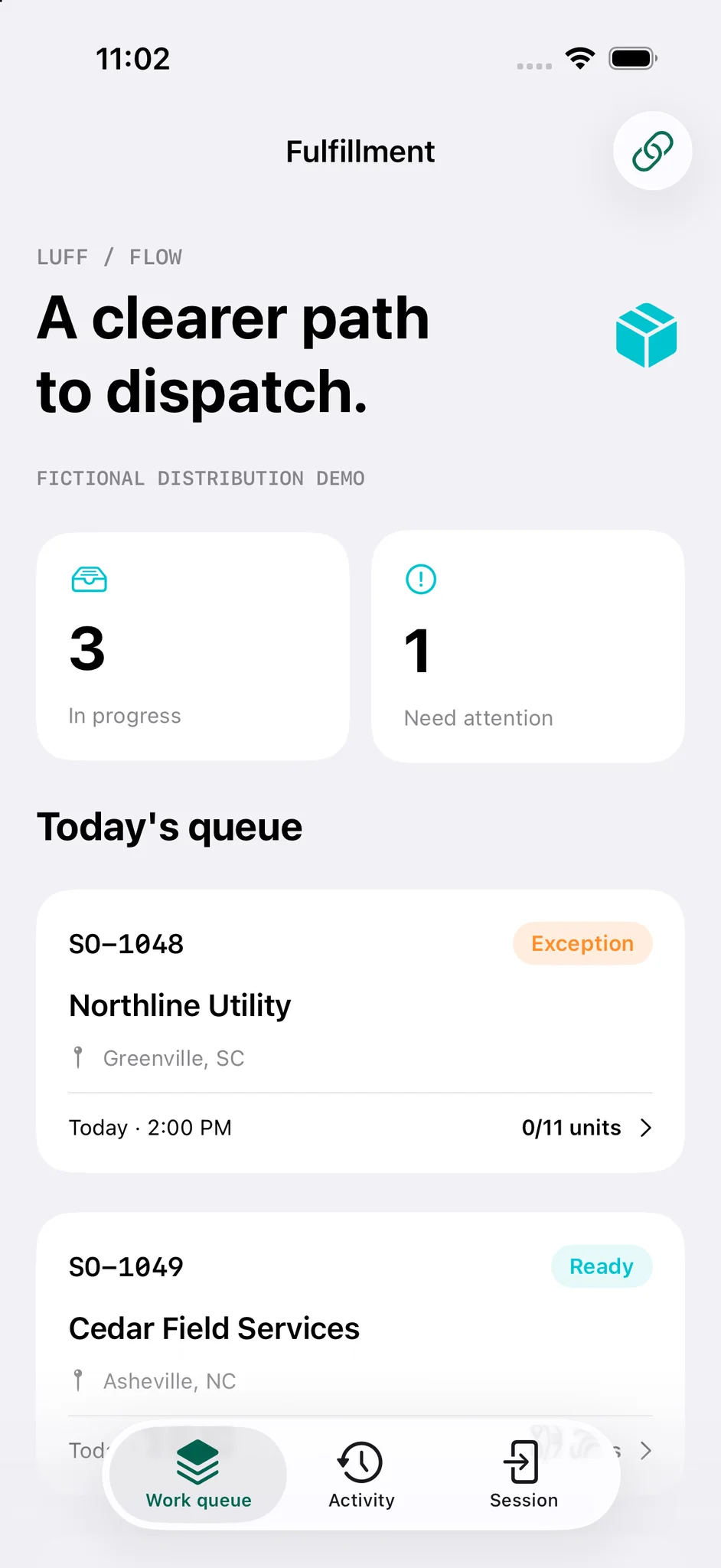
Shown for interface context; exception handling has since evolved.
Keep the handoff in view.
The native iPhone beta and web demo use the same shared session. A supervisor can follow the work without asking the picker to switch screens.
iOS beta access is by invitation. Screens are simulator captures, not product mockups.
Try the live demo ↗What it
makes possible.
- Follow fictional orders from the sales desk to warehouse picking.
- Record picks, surface a stock shortage, and ask a supervisor to approve a partial shipment.
- Share a session across desktop, mobile web and the native iPhone app.
- Trace simulated dispatch and the decisions that led to it in an activity trail.
Explore the app
A working prototype with fictional orders. Roles are simulated, not production authentication; anyone with a session link can access that demo. No ERP, carrier, payment or email systems are connected. The native LUFF Flow iOS beta is invitation-only. Production integrations, access controls and operating requirements would be scoped and verified for a pilot.
Try the fulfillment demo (opens in a new tab)How it comes together
A shared session keeps web and native screens in sync. Isolated synthetic workspaces preserve workflow state; repeated requests are handled idempotently.
Have a related challenge?
Let’s talk about itWhat would make LUFF Flow better?
Tell us what’s missing, or what would make your day a little easier. Suggestions are free.
Choose to be thanked by name if your suggestion ships.